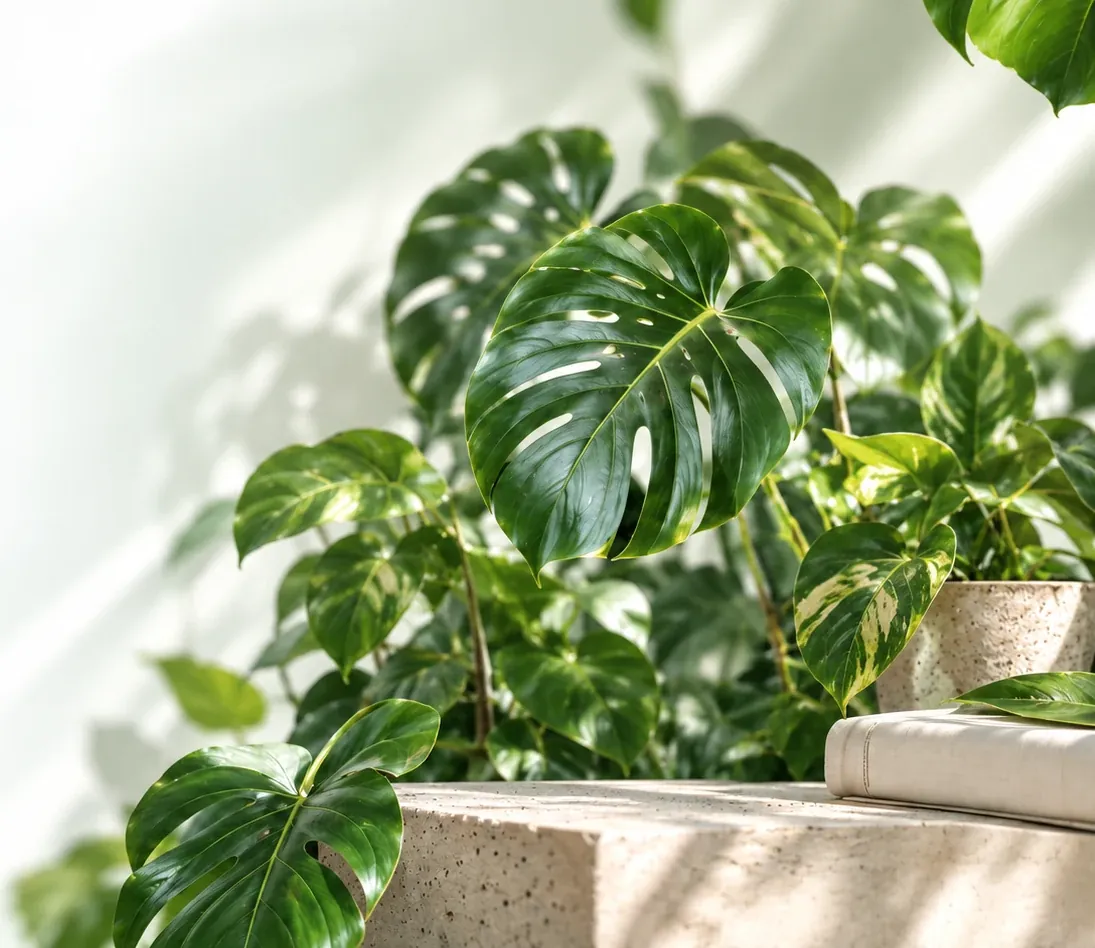
Meet your plant.
Take a clear photo of a leaf, or choose one from your gallery. A little natural light helps.
A starting point for houseplant care
Not sure what you are growing or what to check next? Compare a leaf photo with common houseplants, then use the care library to plan your next check. Photos are analyzed in your browser; matches and symptom hints need your judgment.
Choose an example to see how the analyzer presents a likely match and care guidance.
Compare, verify and observe. No account needed.
Take a clear photo of a leaf, or choose one from your gallery. A little natural light helps.
Compare the likely match with the reference guide. A similarity score is not a verified identification.
Use care ranges as starting points, check the soil before watering, and save observations on this device.
Why did a plant-disease model that scored 99.35% in the lab score 31.4% on real photographs? Eleven minutes on eighty years of teaching computers to read leaves — and why a clear photo matters.
Published study · not an accuracy test of this analyzer
Choose a clear leaf photo, use your camera, or try a sample. Photos are processed here in your browser, not uploaded.
Choose or drop a leaf photo
JPG, PNG, WebP · HEIC needs Safari · up to 10 MB
Analyzing adds a likely match and history to this browser’s local storage. A match is a suggestion, not confirmed identification or diagnosis. Do not use photo results to decide whether a plant is safe to eat or safe for pets. Read limits and data details.
Start with a likely match, then read care ranges, compare symptoms and keep notes. These tools guide observation; they cannot confirm every species or disease.
All processing runs locally — no uploads, no accounts.
Match your photo against a curated database of 280+ houseplants using an on-device visual model.
Flag color and texture patterns that may resemble common leaf problems. Check roots, pests and growing conditions before choosing treatment.
Species care ranges for watering checks, light, humidity, temperature and feeding. Recorded toxicity information may be incomplete.
Auto-scheduled watering, misting, fertilizing, and repotting reminders saved privately on your device.
Use a supported device camera with your permission, or choose an existing photo if camera access is unavailable.
Photo analysis runs locally. Saved plants and history stay in this browser; clearing site data removes them. Export important records.
Every plant you analyze can be saved locally. Review past results and track care schedules.

Identify a plant above and save the result to start your collection.
Identify your first plantWatering, light, humidity, temperature, soil, common problems and safety for every plant we can identify — free and open.
No signup, no uploads — every tool runs privately in your browser.
Open all toolsPractical guides, visual references, and troubleshooting. Use the linked methods, examples and limitations to decide what to try.
Browse all guidesReal photos to help you identify healthy plants and spot problems early.
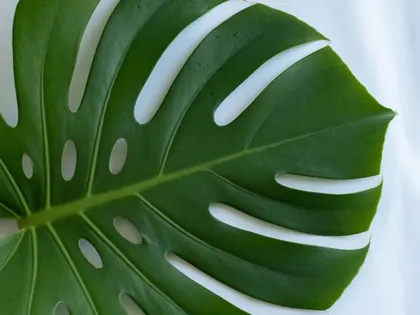

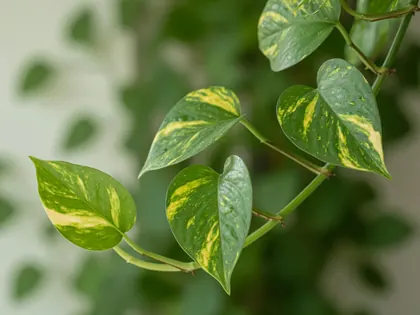
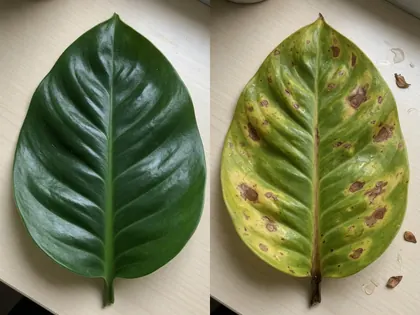
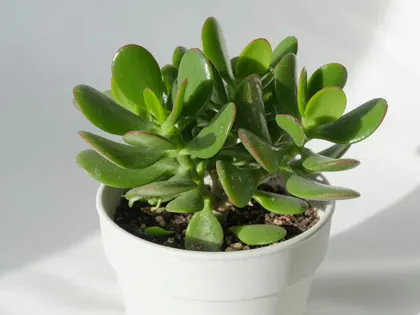
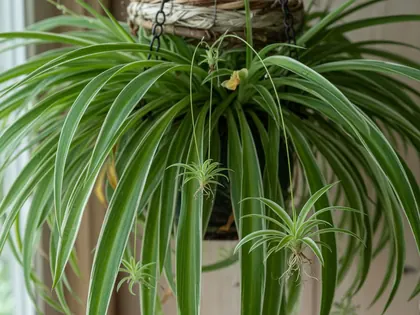

Printable symptom checklists, care plans and trackers for keeping observations together. This optional paid resource complements the free guides and calculators.

A history of artificial intelligence and machine learning in plant detection and botany. AI Planter Editorial — Edition 2026.1.
How AI Planter works, what it costs, and what happens to your photos.
Upload or photograph a plant and a native on-device AI model (MobileNetV2 running as WebAssembly) analyzes the leaf color, texture, shape and pattern to match it against 280+ houseplant species. Everything runs in your browser — photos never leave your device.
Photo analysis is free with no account or per-photo payment. Photos are processed in your browser. Page and model downloads still contact servers; see About for local storage, external services and hosting information.
It flags visible patterns that may resemble common leaf problems. A photo cannot confirm a pathogen, root rot or nutrient deficiency. Inspect the whole plant, roots and pests, and verify the cause before applying a treatment.
Care records include watering checks, light, humidity, temperature, feeding and soil guidance. Some records lack toxicity data. Ranges are starting points, not a schedule calibrated to your room. Read the matching encyclopedia guide and its limits.
Use a modern browser with JavaScript and WebAssembly. Camera access needs your permission and may be unavailable on some devices. The first analysis downloads model files; timing varies with your connection and hardware. You can choose a photo instead.


